

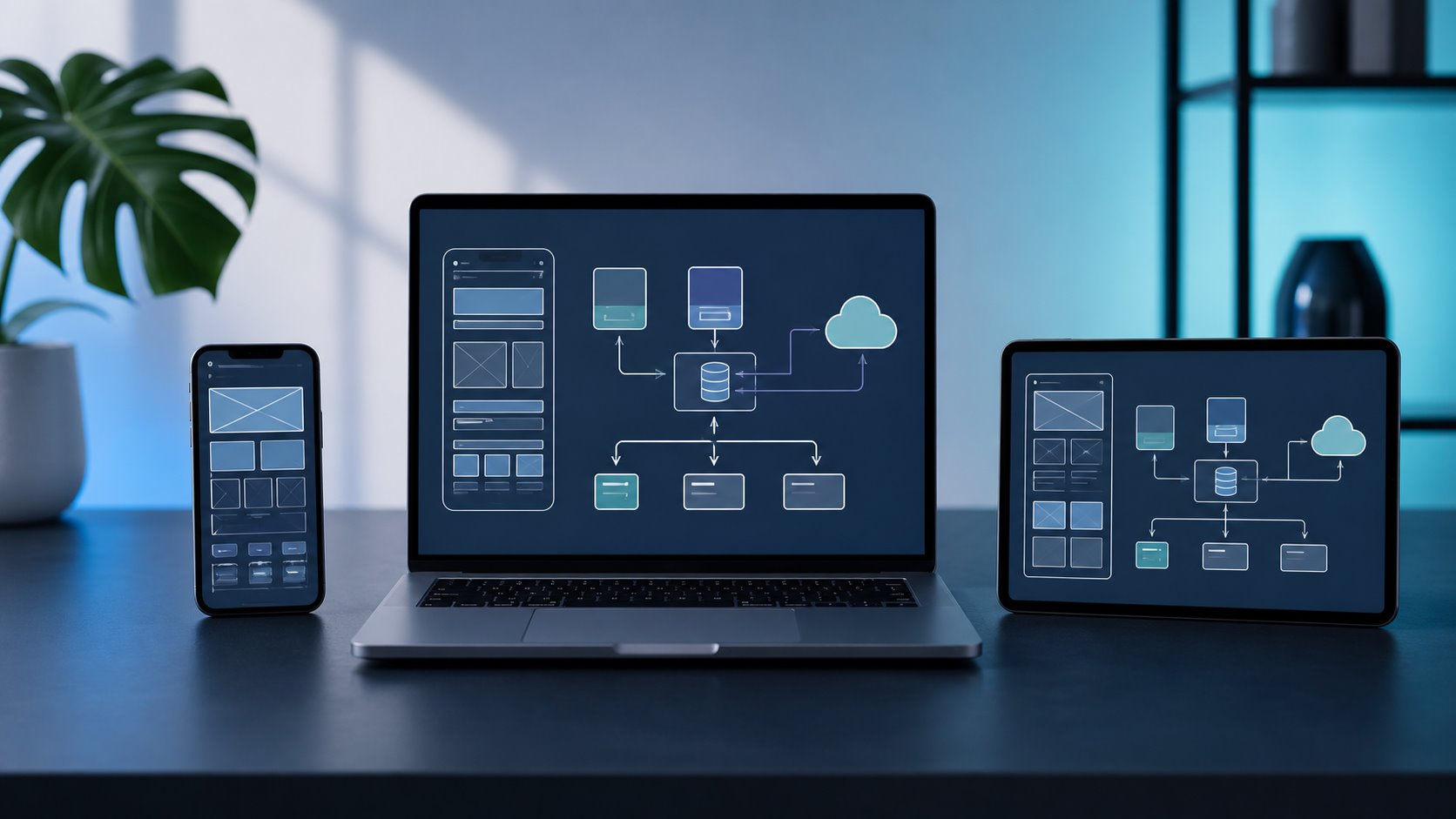
Plan the conversation before the diagram
Most rounds are interactive. The interviewer may narrow the scope to the mobile client, ask you to include the API, or add a backend deep dive. Confirm the boundary, then use a simple time budget to keep the answer balanced.
Scope
Clarify the user, platform, core journey, and what is out of scope.
Requirements
Define offline behavior, latency, reliability, privacy, and release constraints.
Architecture
Sketch modules, local state, APIs, storage, and the primary data flow.
Deep dive
Explore synchronization, failure recovery, performance, and platform limits.
Close
Summarize tradeoffs, metrics, rollout safety, and the next version.
A reusable 7-step mobile system design framework
Use the same sequence for a feed, messaging client, checkout flow, media product, or offline-first productivity app. Adapt the depth, not the order.
Clarify the product and scope
Identify the primary user, the critical journey, supported platforms, expected scale, and whether the interview covers only the client or also the API and backend.
Interview signal: Show that you can reduce ambiguity before choosing an architecture.Define mobile-specific requirements
Ask what should work offline, how fresh the data must be, which actions cannot be lost, what latency users will notice, and which privacy or battery constraints matter.
Interview signal: Turn broad quality goals into observable behavior.Sketch the client architecture
Separate presentation, domain logic, local data, networking, synchronization, and platform services. Explain responsibilities before naming a framework or pattern.
Interview signal: Make ownership and data movement easy to follow.Design local state and persistence
Choose what is cached, what is persisted, how data is keyed and versioned, and which state is authoritative while the device is offline.
Interview signal: Explain why the storage model fits the user experience.Define APIs and synchronization
Cover request shape, pagination, retries, idempotency, delta updates, conflict detection, and how pending writes move from the device to the server.
Interview signal: Describe failure behavior, not only the happy path.Pressure-test the design
Discuss slow networks, process death, duplicate events, large media, memory pressure, background execution, security, observability, and old client versions.
Interview signal: Connect technical risk with visible product impact.Close with tradeoffs and rollout
State what you simplified, what you would measure, how you would release safely, and which part of the architecture should evolve next.
Interview signal: Finish with a decision, not an unprioritized option list.Design an offline-first notes app
The prompt looks simple, but it exposes the decisions interviewers want to hear: state ownership, local persistence, sync queues, conflicts, process death, multi-device edits, and API evolution.
Design the mobile client and API contract for a notes app that supports offline reading and editing across iOS and Android. Changes should synchronize when connectivity returns.
- Create, edit, delete, and browse notes.
- Read and write while the device is offline.
- Synchronize changes across multiple devices.
- Prevent silent data loss during retries or conflicts.
- Plain text or rich media?
- Personal notes or shared collaboration?
- How quickly must remote changes appear?
- Can users review and resolve conflicts?
Render from local state
The UI observes the local database. Edits update that database immediately and create a pending operation, so the experience remains responsive without pretending the server has already accepted the write.
Make writes idempotent
Give each operation a stable identifier. Retrying the same write after a timeout should not create a second note or apply the same mutation twice.
Choose a conflict policy explicitly
For a first version, use per-note versions and surface a conflict copy when concurrent edits cannot be merged safely. Explain why silent last-write-wins may lose user work.
Synchronize incrementally
Upload pending operations, then request server changes since the last successful sync token. Persist the token only after local application succeeds.
| Failure | Expected behavior | Useful signal |
|---|---|---|
| Network drops during upload | Keep the operation pending and retry with backoff when constraints allow. | Retry count and oldest pending-operation age |
| Process dies after local write | Recover the durable queue and resume without duplicating the mutation. | Queue recovery and duplicate-rejection rate |
| Two devices edit one note | Detect the version mismatch; merge when safe or create a user-visible conflict copy. | Conflict rate and resolution outcome |
| API schema changes | Keep old fields readable, introduce additive versions, and gate new behavior by client capability. | Errors by app version and rollout cohort |
iOS vs. Android: Key Tradeoffs
iOS and Android candidates can share the same answer structure. The difference is whether the details reflect real lifecycle, background execution, device, and release constraints.
| Topic | iOS emphasis | Android emphasis | Interview takeaway |
|---|---|---|---|
| Background work | The system decides when scheduled background work can run. Choose among refresh, processing, background transfer, and push-triggered strategies. | WorkManager is the standard choice for persistent deferrable work, with constraints, retries, observation, and work chaining. | Explain that background execution is constrained and cannot be treated like an always-running service. |
| Device and OS range | A smaller hardware range still requires handling lifecycle changes, memory pressure, permissions, and several supported OS versions. | Broader device capabilities, vendors, screen sizes, and OS versions make resource limits and compatibility more visible. | Name the supported baseline and show where the design needs graceful degradation. |
| Local persistence | Discuss the data shape, migration strategy, encryption needs, and how persistence integrates with app lifecycle events. | Discuss the same decisions while accounting for process recreation, storage constraints, and background scheduling. | Focus on ownership, migrations, and consistency rather than debating database brands too early. |
| Release compatibility | App review and user-controlled updates mean several client versions can remain active after a server change. | Staged rollout and a broader installed base can increase the number of client and device combinations in production. | Use backward-compatible APIs, feature flags, schema migration, and kill switches. |
Six ways a mobile answer becomes generic
These mistakes usually come from jumping to a familiar pattern before the product behavior and failure model are clear.
Starting with MVVM or Clean Architecture
A named pattern is not a product design. Begin with the user flow and constraints, then show how responsibilities should be separated.
Saying “offline-first” without a conflict model
Define which writes can be queued, how retries stay idempotent, what happens when two devices edit the same item, and what the user sees.
Drawing the backend and skipping the client
For a mobile role, spend meaningful time on state ownership, rendering, local data, lifecycle, networking, and device-level failure modes.
Ignoring old app versions
A safe mobile design assumes users do not upgrade immediately. Cover API evolution, schema migrations, feature flags, and rollback behavior.
Listing tools instead of decisions
Every technology choice should answer a requirement and include its operational or product tradeoff.
Ending without metrics
Name the signals that reveal sync lag, data loss, crash loops, startup regressions, battery cost, and rollout problems.
Use AI for follow-up pressure, not an architecture to memorize
The useful loop is attempt, critique, and reattempt. Keep the prompt and rubric stable so the second answer can be compared with the first.
You are interviewing me for a senior mobile engineering role. Ask me to design an offline-first notes app for iOS and Android. Let me drive the structure. Interrupt with one constraint at a time: multi-device conflicts, process death, background execution, old client versions, and a 10x increase in notes. Do not give me the solution. After 35 minutes, score my answer using structure, mobile depth, tradeoffs, failure handling, and communication.
Did the answer move from scope to architecture to risks without jumping around?
Did it cover lifecycle, offline state, background limits, performance, and releases?
Did every major choice include a reason, downside, and alternative?
Did it explain retries, conflicts, process death, stale state, and partial rollout?
Was the answer concise, visual, and responsive to follow-up questions?
A focused five-session preparation sprint
Repeat the answer framework across different mobile failure models instead of collecting more diagrams.
- Session 1Offline notes
Focus on local state, pending operations, retry, and conflict handling.
- Session 2Real-time messaging
Focus on connection state, ordering, deduplication, presence, and push notifications.
- Session 3Media feed
Focus on pagination, image loading, memory, caching, prefetching, and scroll performance.
- Session 4Mobile checkout
Focus on idempotency, stale state, security, partial failure, and release rollback.
- Session 5Timed mixed mock
Use a new prompt and close with explicit metrics, tradeoffs, and a rollout plan.
Mobile system design interview questions
What does a mobile system design interview test?
It tests how you translate a user journey into a maintainable client architecture while handling local state, networking, offline behavior, performance, lifecycle constraints, API coordination, observability, and release safety.
How much backend design should a mobile candidate cover?
Cover enough backend and API design to explain the client contract, data ownership, synchronization, reliability, and scale. Unless the interviewer explicitly asks for an end-to-end system, keep the deepest discussion on mobile responsibilities and client-server boundaries.
Should iOS and Android candidates use different answer frameworks?
The core framework can remain the same, but the deep dive should reflect the target platform. Discuss the relevant lifecycle, background execution, persistence, device range, performance, privacy, and release constraints instead of presenting the platforms as identical.
How can an AI coach help with mobile system design practice?
Use it to simulate interruptions and changing constraints, expose missing failure paths, and score a second attempt against the same rubric. It is most useful for repeatable rehearsal, not for generating an architecture to memorize.
Conclusion
A strong mobile system design interview answer starts with the user journey, makes client state and synchronization explicit, and treats lifecycle, background work, performance, observability, and release compatibility as first-class design constraints.
Use one repeatable framework, then deepen the parts that matter for the prompt and target platform. Practice the same design twice: first to expose missing decisions, then again with clearer tradeoffs and a tighter closing summary. When you are ready for follow-up pressure, run a mobile system design mock interview and use the feedback to choose the next scenario to rehearse.